DREADMOOR Controls: PC and Controller Guide
DREADMOOR controls for PC and controller: movement, fishing, boat handling, inventory and the keys the demo does not explain clearly.
Quick answer: On PC, use WASD to move, the mouse to look and interact, E to interact, F to land a fish or refuel, 1/2 to equip tools, N for the blueprint book and V to pin a recipe. The fishing minigame uses right mouse plus A/D or mouse movement to fight the fish.
Bindings below are the demo defaults. The full game may add remapping and new actions.
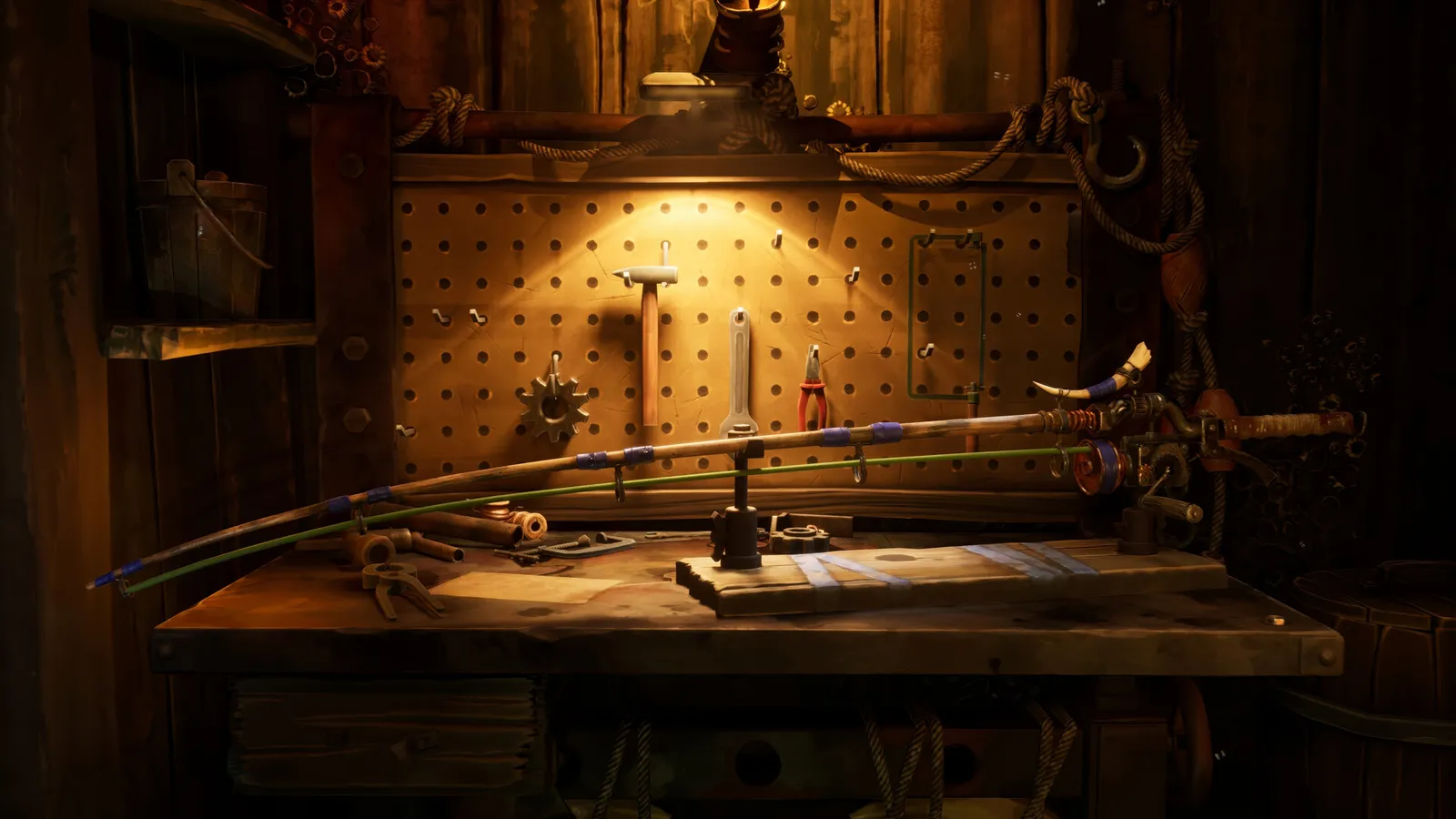
DREADMOOR does not bury you in keys, and the free demo teaches the basics in its opening hour. Most of the complexity is in the fishing minigame, where timing matters more than the binding. Still, a few prompts are easy to miss, especially the ones that only appear when you are close to an object.
"DREADMOOR supports full controller play and Steam Cloud saves." — DREADMOOR on Steam
PC bindings
| Action | Default |
|---|---|
| Move | W A S D |
| Look | Mouse |
| Interact | E |
| Primary action / attack / cast | Left mouse |
| Aim / hold / reel | Right mouse |
| Land fish / refuel | F |
| Equip tool 1 | 1 |
| Equip tool 2 | 2 |
| Blueprint book | N |
| Pin recipe | V |
| Dock / undock | X |
| Inventory | Tab (open from the on-screen prompt) |
| Menu | Esc |
Some prompts only appear in context. If F does nothing, you are not close enough to the fish or the fuel pump.
Fishing controls
Normal fish:
- Left mouse to cast.
- Wait for the bite.
- Hold right mouse to reel.
- Keep the rod in the green centre with A/D or mouse movement.
- Pull against the fish's direction.
- Release tension when the fish runs.
- Press F when it is close.
Predatory fish:
- Cast past the splash zone.
- Hold left mouse to retrieve slowly.
- Add small tugs; do not reel fast.
- Keep the lure moving enough that the fish follows.
- Land with F when it reaches the boat.
The fishing guide explains the tension system in detail. If the line snaps constantly, you are reeling while the fish is still fresh.
Boat controls
| Action | Default |
|---|---|
| Take helm | E |
| Leave helm | E |
| Accelerate | W |
| Steer | A / D |
| Reverse | S |
| Dock | X in the dock zone |
| Refuel | F at the fuel pump |
The boat drifts when you leave the helm. Set a short stop before you walk away, or you will come back to a hull against the rocks.
Docking uses a marked zone. If X does nothing, the boat is not aligned; nudge forward and try again.
Inventory and crafting
- Tab opens the inventory.
- N opens the blueprint book at a workbench.
- V pins the selected recipe.
- Autosort is a button in the inventory, not a hotkey.
The workbench UI shows materials as icons. Red means missing; grey means unresearched. The crafting page covers the full loop.
Controller support
The store lists full controller support, including DualShock and DualSense. The demo is playable on Steam Deck but not yet Verified.
On a controller, the fishing minigame uses stick movement instead of A/D. The tension is the same; the precision is lower. If you are struggling, try mouse and keyboard for fishing and a controller for sailing.
The Steam Deck page has settings recommendations.
Accessibility options
The demo includes:
- A/D or mouse for tension control.
- Gamma, colour correction and sharpness sliders.
- Motion blur toggle.
- 60 FPS cap option.
- Custom volume controls.
There is no confirmed remapping screen in the demo. Dream Dock lists full controller support, but keyboard remapping may arrive later. If a key does not work, check the context prompt before assuming the binding is broken.
Common control problems
Cannot land the fish. You are too far away or the fish is still fighting. Wait for the prompt.
Cannot refuel. Stand at the pump and press F; the prompt only appears when you have fish meat.
Cannot dock. Align with the zone and press X. Do not hold it.
Cannot craft. You are not at a workbench, or the recipe is unresearched.
Controller not detected. Launch through Steam, not a standalone shortcut, so Steam Input can load.
FAQ
How do you fish in DREADMOOR? Cast with left mouse, hold right mouse to reel, keep the rod in the green with A/D, pull against the fish and press F to land.
How do you run in DREADMOOR? There is no confirmed sprint binding in the demo; movement speed is fixed.
How do you crouch? There is no crouch in the demo.
Can you remap controls? Not confirmed in the demo. The full game may add it.
Does DREADMOOR support controller? Yes, full controller support is listed on Steam.
More DREADMOOR Guides
The DREADMOOR demo is a free 3–4 hour standalone slice with its own questline, dry dock and island region. What it includes and how to install it.
A complete DREADMOOR demo walkthrough: the radio, five Snapper, John's still, the dry dock, the engine and the Throat gate puzzle, step by step.
How to unlock the DREADMOOR dry dock, repair the trawler step by step, and install your first engine and hull upgrades without wasting materials.
DREADMOOR Early Access starts 9 November 2026 with the full core loop and one major region. What is in the build, how long it will last and whether to buy.
Every fish confirmed in the DREADMOOR demo, with bait, habitat and use: Snapper, Softgazer, Shovel Nose, Sharp Fin, Sturdy Crawler and Harpooner.
DREADMOOR fishing explained: cast into splash zones, hold tension in the green, pull against the fish and use a slow lure retrieve for Harpooners.
Every DREADMOOR location confirmed in the demo, from the Slough and Angler's Island to the Throat, plus how the map and fast travel work.
How to earn coins in DREADMOOR: which fish to sell, what the traders buy, why dangerous catches pay more, and what you should never sell.